Practise real situations
Role-play ordering food, travelling or interviewing at a chosen level, with alternative expressions to try again.

Learning & languages
AROUND EVERYDAY NEEDS
Schools, language providers, learning centres and families practising a language
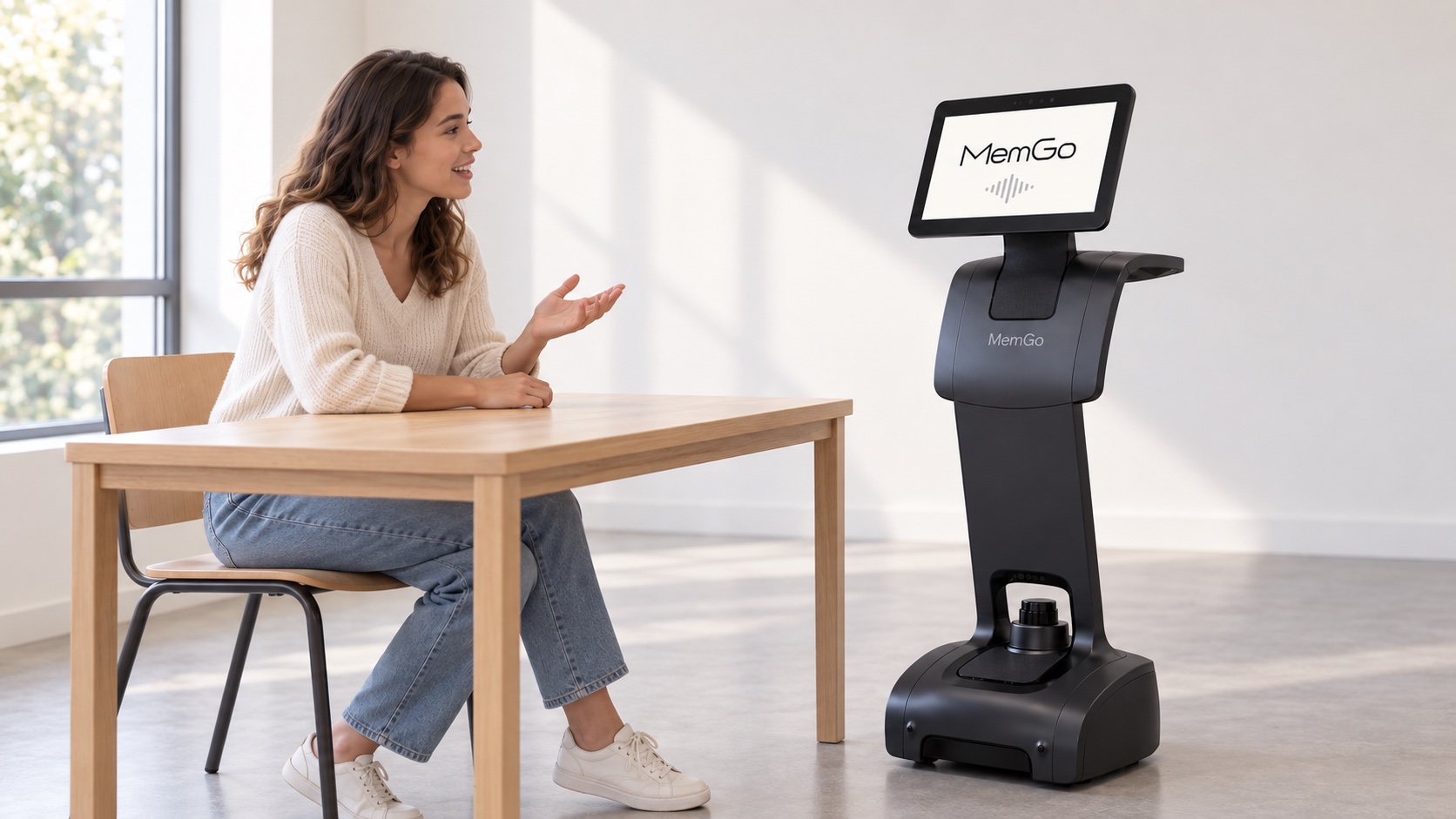
Turn practice into conversations that can begin every day, in a classroom, language centre or at home. MemGo combines practical situations, continuity and teacher-selected content to help learners use what they know.
Practice that is easier to start and sustain, with clearer topics for learners and teachers to revisit.
Role-play ordering food, travelling or interviewing at a chosen level, with alternative expressions to try again.
Work with teacher-prepared questions, images and tasks in a classroom or at agreed indoor learning points.
Return to topics and expressions chosen for review, following goals set by the learner or teacher.
A learner practises ordering in English and tries another expression when the first request is unclear. At the next session on the same learning account, they return to the phrases they chose to review.
Illustrative workflow
A teacher or learner sets the topic, level and focus for the session.
MemGo introduces a situation and leaves room to respond, rephrase and try again.
Review the practice notes authorised for retention and choose where the next session should begin.
With learner consent and applicable guardian permission, topics and review notes can continue within the designated learning account, devices and teacher access scope.
Explore memory across devicesBegin with one clear service task, then agree the setting and application scope.
START WITH YOUR SPACE
A MemGo product and application plan. Features, content and integrations are agreed before deployment.